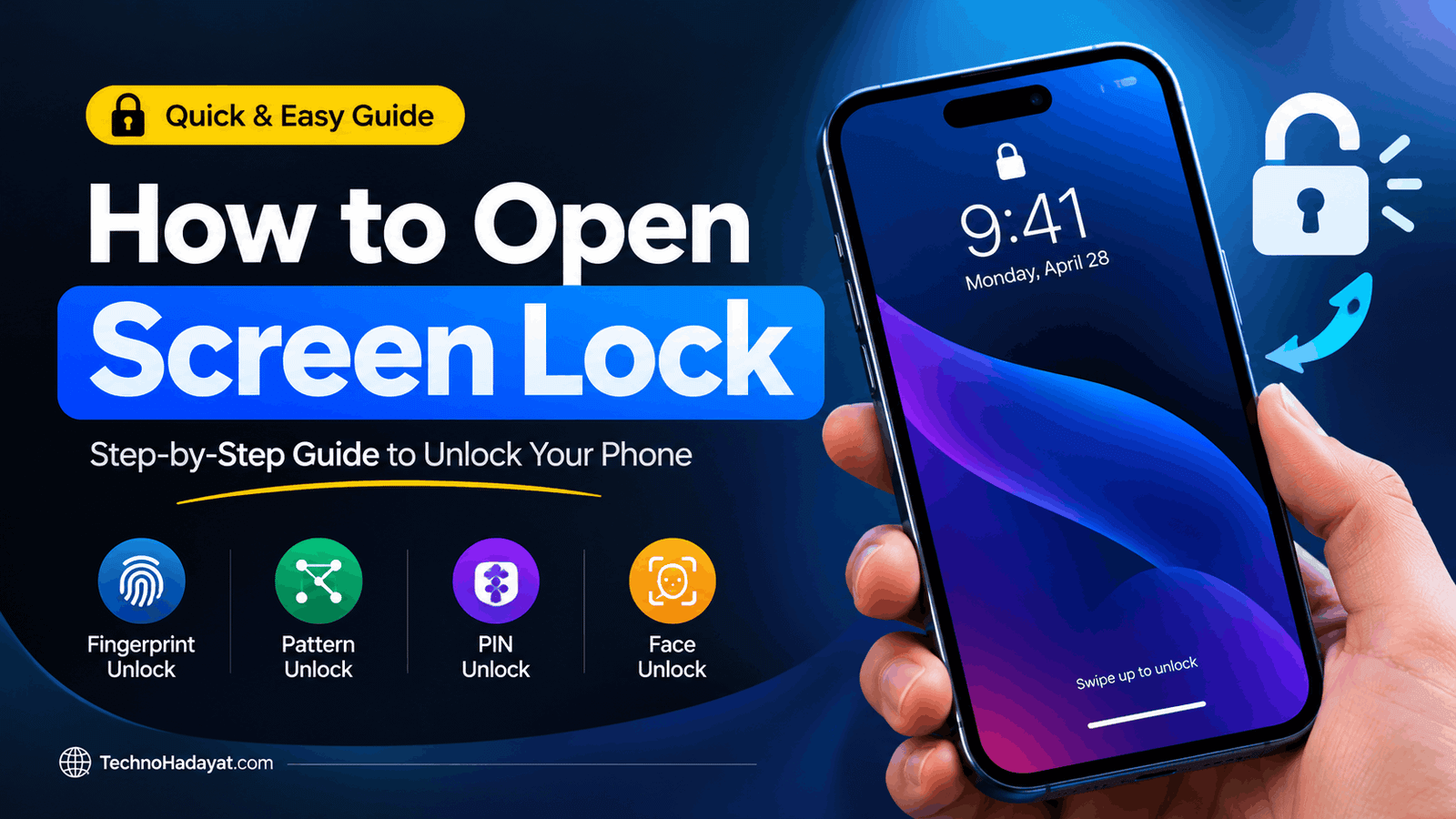
Smartphones have become an essential part of our daily lives. We use them for communication, online banking, shopping, social media, and storing personal information. Protecting this information is important, which is why Android and iPhone devices offer screen lock features.
A screen lock helps prevent unauthorized access to your phone. However, forgetting your PIN, password, or pattern can make it difficult to access your device. In this guide, you will learn how screen locks work, the different types available, and the official recovery options you can use if you get locked out.
What Is a Screen Lock?
A screen lock is a security feature that protects your smartphone from unauthorized use. When your phone is locked, you must verify your identity using an approved method before accessing its apps, settings, and personal data.
Most modern smartphones offer several screen lock options, including PIN codes, passwords, patterns, fingerprints, and facial recognition.
The available options depend on your phone’s manufacturer, operating system, and hardware.
How Does a Screen Lock Work?
A smartphone screen lock works by checking whether the person attempting to unlock the device can provide the required authentication.
For example, when you enter a PIN or draw a pattern, your phone checks the information against the security data stored on the device. If the verification succeeds, the phone allows access.
Biometric authentication works differently. Fingerprint sensors examine biometric information, while facial recognition systems analyze features of your face. Depending on the device, these methods may use dedicated security hardware.
Modern smartphones also include additional protections, such as encryption, secure hardware, and restrictions on repeated failed attempts.
A screen lock is therefore more than a simple barrier on the display. It is part of the device’s broader security system.
Different Types of Screen Locks
1. PIN Code
A PIN is a numeric code used to unlock a smartphone. Depending on the device, it may contain four or more digits.
A longer, unpredictable PIN generally provides better protection than a short or easily guessed one.
Avoid using obvious combinations such as repeated digits or important dates.
2. Password Lock
A password can contain letters, numbers, and special characters, depending on the device.
A strong password is difficult to guess and should not be reused across multiple accounts or services.
Password-based locks can provide strong protection when configured properly.
3. Pattern Lock
Pattern locks are commonly associated with Android smartphones.
To unlock the device, the user draws a pattern connecting points on a grid. The phone checks whether the pattern matches the one previously configured.
Simple patterns may be easier for someone else to guess, so choosing a less predictable pattern is advisable.
4. Fingerprint Lock
Fingerprint authentication allows users to unlock compatible smartphones by scanning a registered fingerprint.
Depending on the device, the sensor may be located beneath the display, on the side of the phone, or on a separate surface.
Fingerprint authentication is convenient, but many devices still require a PIN, password, or pattern under certain circumstances.
5. Face Recognition
Face recognition uses a compatible camera system and, on some devices, additional sensors to verify a user’s face.
Apple calls its advanced facial authentication system Face ID on supported devices. Android manufacturers offer different facial recognition implementations.
Security capabilities vary by model, so not every face-unlock system provides the same level of protection.
Why Do People Get Locked Out of Their Phones?
There are several reasons why someone may be unable to unlock a smartphone.
Forgotten PIN or password: Users sometimes forget a code they created months or years earlier.
Incorrect pattern: A user may have difficulty remembering the exact pattern needed to unlock an Android phone.
Fingerprint recognition problems: Wet fingers, damaged sensors, or changes in scanning conditions can prevent successful authentication.
Face recognition failure: Poor lighting, changes in appearance, or sensor problems may affect facial authentication.
Repeated incorrect attempts: Entering the wrong credentials repeatedly may trigger temporary delays or other security restrictions.
Second-hand devices: Someone purchasing a used phone may discover that it remains protected by the previous owner’s credentials or account.
Understanding the cause of the problem can help you choose the appropriate recovery method.
How to Recover Access to a Locked Android Phone
If you forget your Android screen lock, the correct recovery method depends on your device, Android version, and available account or recovery options.
Start with these steps:
- Try to remember your original credentials. Carefully check whether you are entering the correct PIN, password, or pattern.
- Read the on-screen instructions. Your phone may display a waiting period or provide manufacturer-specific guidance.
- Check the manufacturer’s official support website. Samsung, Google, and other manufacturers provide guidance for supported devices.
- Review available recovery options. Some devices or configurations may offer specific ways to regain access.
- Consider a factory reset only when necessary. Resetting a phone usually erases locally stored data and may require the previously associated Google account during setup.
A factory reset is not the same as recovering your forgotten screen lock. It generally removes the existing device configuration and data rather than revealing the original PIN or password.
Before resetting your phone, check whether you have a recent backup and understand the manufacturer’s instructions.
How to Recover Access to a Locked iPhone
If you forget your iPhone passcode, Apple provides official procedures for regaining access to the device.
Depending on your iOS version and circumstances, you may be able to use an eligible passcode-reset option or restore the iPhone through Apple’s supported recovery process.
In many situations, restoring a locked iPhone erases the data currently stored on it. You can then restore available information from a backup.
Before proceeding, consider the following:
- Check Apple’s official support instructions for your iPhone and iOS version.
- Confirm whether you have an iCloud or computer backup.
- Make sure you know the Apple Account credentials that may be required during setup.
- Understand that Activation Lock may still require the Apple Account associated with the device.
Avoid websites or applications that promise guaranteed iPhone unlocking without explaining their limitations.
Can You Unlock a Phone Without Losing Data?
Sometimes, but it depends on the device and the recovery options available.
If your phone supports an official recovery method that does not erase data, you may be able to regain access without losing locally stored information.
However, many modern smartphones use security protections that prevent users from simply removing a forgotten screen lock while preserving all encrypted data.
A factory reset generally erases locally stored content. A cloud backup may allow you to restore some or most of your information afterward, depending on your backup settings and the data involved.
Always investigate the official recovery options before taking action.
Are Screen Lock Recovery Tools Safe?
You may find websites and applications claiming to bypass Android or iPhone screen locks.
These tools do not all provide the same capabilities, and some claims may be misleading. A browser-based demonstration, for example, cannot independently access a phone’s protected storage or remove its actual screen lock.
Before installing a recovery application, check its developer, reputation, permissions, privacy policy, and compatibility with your device.
Never share your PIN, password, verification codes, or account credentials with an untrusted service.
For the safest results, use official manufacturer support and recovery procedures.
How to Protect Your Phone From Unauthorized Access
You can improve your smartphone’s security by following a few simple practices:
- Use a strong PIN, password, or pattern.
- Enable fingerprint or facial authentication if your device supports it and you are comfortable using it.
- Keep your phone’s operating system updated.
- Enable automatic backups and periodically check that they are working.
- Avoid sharing your screen lock credentials with other people.
- Keep your Google Account or Apple Account recovery information up to date.
- Enable the device-finding and security features provided by your manufacturer.
- Never use an unfamiliar unlocking service without verifying its legitimacy.
These measures can reduce the risk of unauthorized access and make recovering your information easier if something goes wrong.
Frequently Asked Questions (FAQs)
What is the purpose of a screen lock?
A screen lock prevents unauthorized users from accessing your smartphone and helps protect personal information, apps, and other device content.
Can I unlock my phone if I forget my PIN?
Possibly. The available options depend on your device, software version, and recovery settings. Consult the official support instructions for your phone before attempting a reset.
Does a factory reset remove a screen lock?
A factory reset generally removes the existing device configuration, including its screen lock, but it also erases locally stored data. Account-based protections may still require the credentials previously associated with the device.
Can fingerprint authentication replace a PIN completely?
Usually not. Compatible devices generally retain a PIN, password, or pattern as a backup authentication method.
Can a website unlock my phone remotely?
A regular website cannot automatically bypass a smartphone’s security protections simply because you enter your device model or phone number into a form. Be cautious of websites making guaranteed unlocking claims.
Is it possible to recover photos after resetting a locked phone?
Photos may be recoverable if they were backed up to a cloud service or another location before the reset. Data that existed only on the device may be permanently lost.
Final Thoughts
Screen locks play an important role in protecting modern smartphones. Whether you use an Android phone or an iPhone, understanding how authentication works can help you choose better security settings and respond appropriately if you forget your credentials.
If you become locked out, begin with the official recovery instructions for your device. Check your backup options before performing a factory reset, and avoid services that promise guaranteed results without explaining their limitations.
TechnoHidayat.com aims to provide practical technology information that helps readers understand smartphone security, troubleshoot common problems, and make informed decisions about their devices.
Screen Lock Bypass
Universal Android Lock Recovery Tool
Works with Android and iPhone brand selections. Choose a device to view recovery guidance and a simulated scan preview.
01Select your device
02Screen Lock Type
This is a visual simulation only; it does not bypass or unlock a real phone. For a real locked device, use the manufacturer’s official recovery or support process.